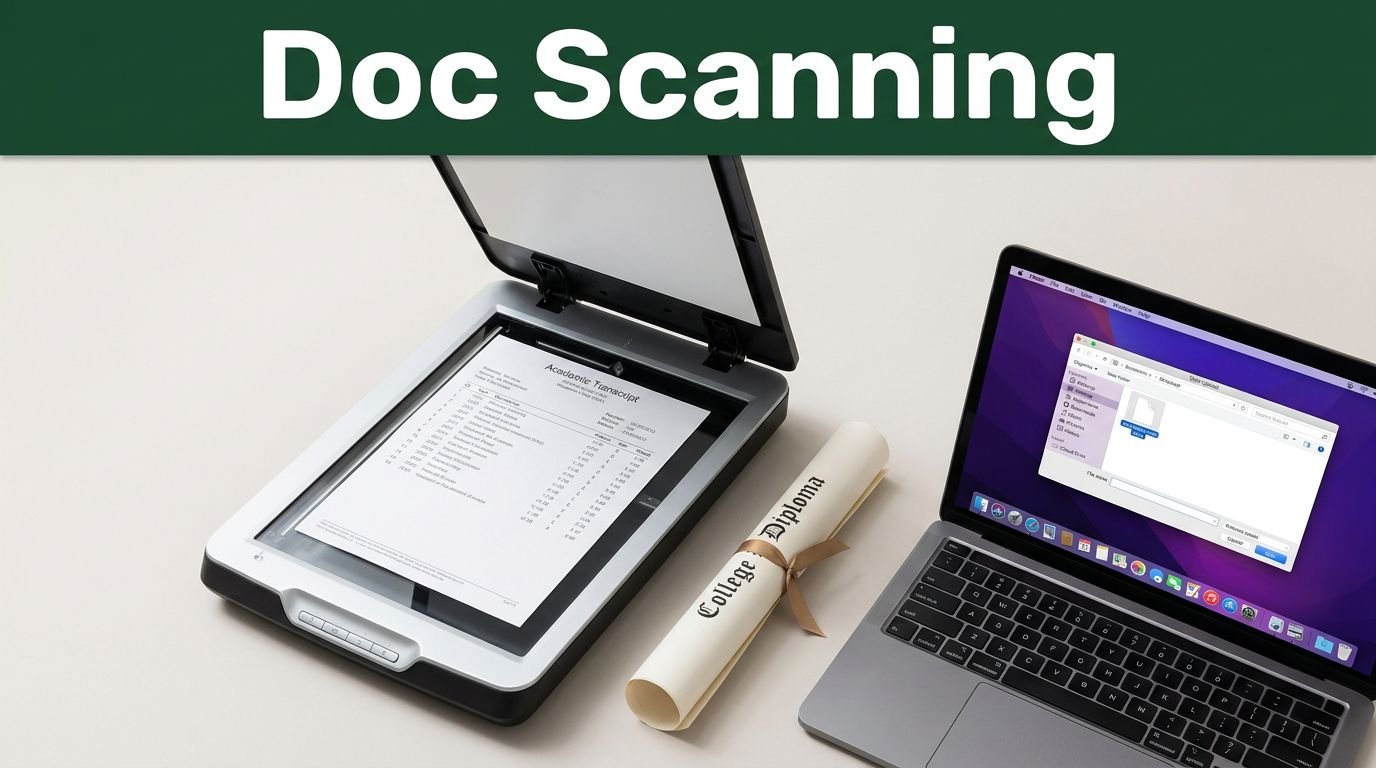
Scholarship applications move fast, and one poor scan can slow your progress. When you scan academic documents the right way, you make your papers easier to read, simpler to upload, and much less likely to be rejected due to technical file issues.
This attention to detail matters significantly for your college applications. A blurry scan of your academic transcripts, a cut-off certificate, or a messy file name can make an otherwise strong submission look careless.
The good news is that you do not need fancy equipment. You just need a clean process, a few smart settings, and a quick quality check before you hit submit.
Key Takeaways
- Start with clean, complete documents, including your official transcripts, because torn corners, shadows, and missing pages often cause delays in the application process.
- Optimize your scanning process by using clear text settings, proper alignment, and the specific file formats required by the scholarship portal.
- Use descriptive file naming conventions so you can quickly identify and upload the correct version of your documents.
- Review every page at full size before you submit, as minor formatting errors or alignment issues can hinder your scholarship review.
- Follow all application instructions precisely, paying close attention to file size limits, page order, and requirements for notarized translations.
Start with a clean document pile
Before you touch the scanner, sort everything you need for your application. Scholarship portals usually request academic transcripts, degree certificates, identification pages, recommendation letters, and sometimes notarized translations. If your student records consist of more than one page, keep the pages together so nothing gets lost during the digitization process.
Lay each paper flat on a clean surface. Remove staples, paper clips, sticky notes, and folded corners to ensure the final digital documents are clear and professional. If the document is wrinkled, smooth it out first, as a scanner can only do so much if the original copy is messy.
If you are preparing an official transcript obtained from your registrar’s office, check whether the scholarship requires the front and back. Some records include important notes, embossed seals, or registration details on the reverse side. Scan both sides if there is any doubt to ensure your file is complete.
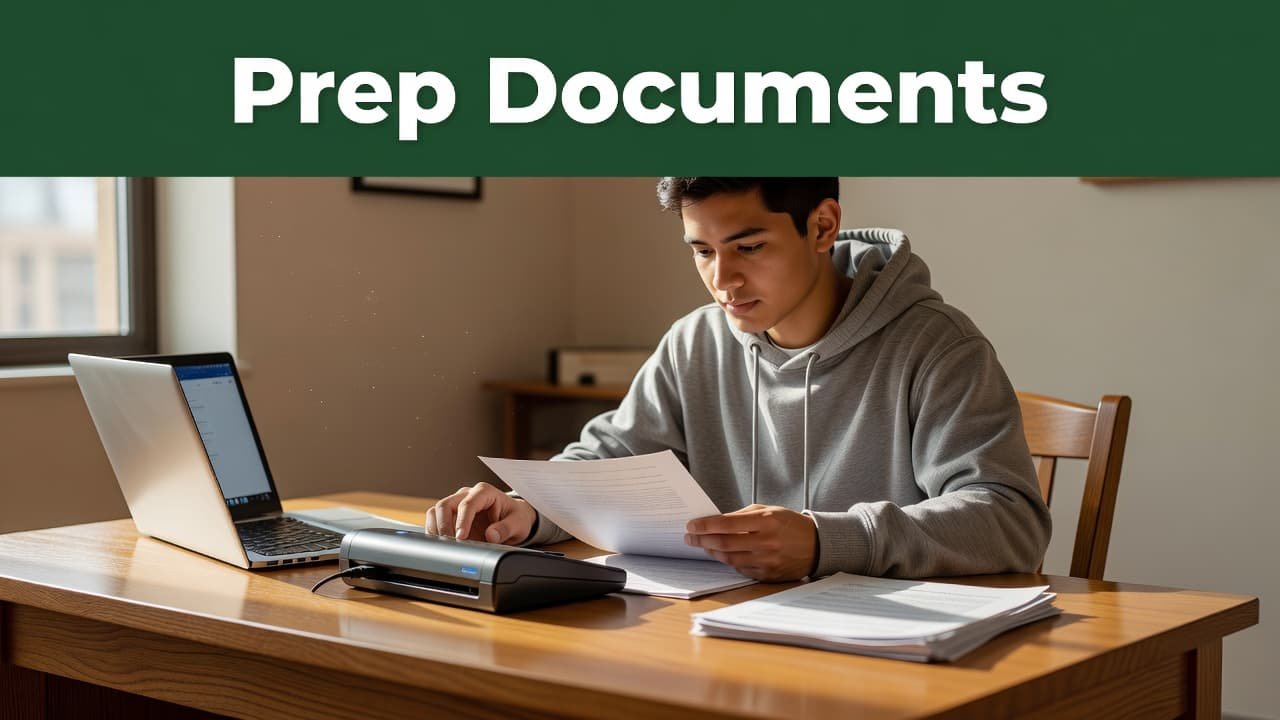
If you only have a mobile device, that can still work for creating a digital format. Place the paper on a dark, plain background, then hold the phone directly above the document. The goal is simple, achieve a high-quality capture with no tilt, no glare, and no shadows cutting across the text.
Recommendation letters require extra care. If the scholarship committee requests a signed letter in a sealed envelope, follow their specific instructions exactly. Do not scan documents that should remain confidential unless the application portal explicitly asks you to upload them.
Choose scanner settings that keep text sharp
The scanner settings matter more than most students think. A clean scan can look amateur if the scanning resolution is too low, or if poor lighting washes out important seals and signatures.
For most academic papers, 300 dpi is the safe choice. This scanning resolution keeps text crisp and readable without making the file size unnecessarily large. If the document features tiny print, such as transcript remarks or certification numbers, 300 dpi remains the smart minimum to ensure high image quality.
Color is typically the best option for certificates, official seals, and any documents containing stamps. For plain black and white text pages, grayscale often produces excellent results while keeping file sizes smaller. If the portal asks for one specific format, always prioritize those instructions first.
Try to scan pages straight. Crooked edges make the document look rushed, and they can inadvertently hide part of a signature or stamp. Most mobile scanning apps and desktop machines allow you to crop and straighten pages before you save.
If you can’t read the page when you zoom in, the reviewer probably can’t either.
If you are using mobile scanning apps, Adobe Scan, Microsoft Lens, iScanner, and the native Notes app on your iPhone are all reliable choices. These tools can automatically crop pages, remove shadows, and save everything as a PDF. They are particularly useful when you do not have a desktop scanner nearby.
Use the image preview before you save your document. A few seconds spent checking the image quality here can save you from the frustration of re-uploading the entire file later.
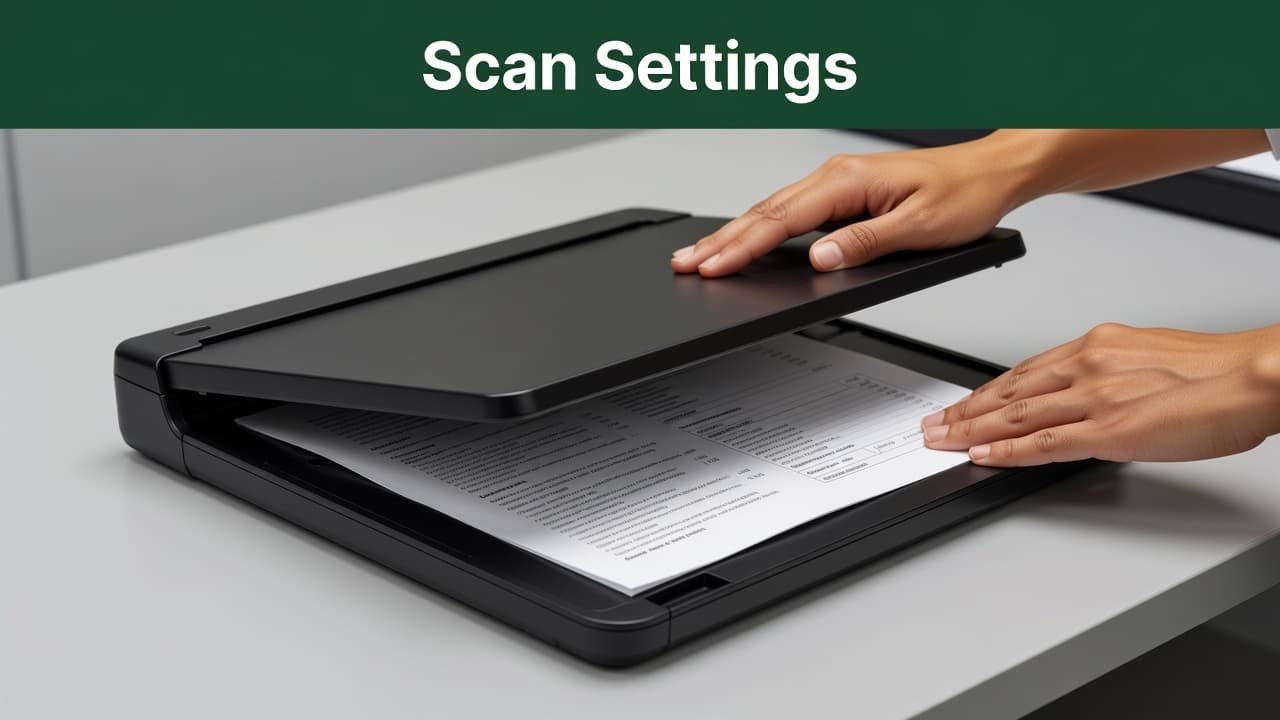
Save files in a format scholarship portals like
Once your scans look clear, it is time to save them in the format the application portal requires. Most scholarship systems prefer a PDF file for academic documents because it keeps multi-page files together. A transcript that spans four pages should always be combined into a single PDF file, rather than uploaded as four separate images.
Give each document a clear name before you upload transcripts. Use a simple, descriptive format:
Transcript_YourName_2026Passport_YourNameRecommendationLetter_ProfessorName
This naming convention helps you stay organized, especially when you are preparing multiple files in one sitting. It also makes it easier to resend a file if the scholarship office requests a correction. Avoid vague names like scan1 or documentfinal, as these become a headache when you need to compare different versions of your application later.
Pay close attention to your file size. Many scholarship portals have strict upload limits, and a large file size can cause your submission to bounce back, even if the scan looks perfect. If you need to perform document conversion or use file compression, do so carefully, and always double-check that the text remains sharp and legible afterward.
Keep the order of pages in mind as well. If a transcript includes page one, page two, and an explanation sheet, ensure the document follows the exact order a reviewer would expect. Do not make the admissions committee hunt for page three. Finally, if the application asks for separate uploads, avoid merging everything into one giant file. Follow the portal’s structure precisely, as a perfectly formatted document in the wrong place can still lead to processing delays.
Review every page before you upload
This is where many students lose valuable time. A scan might look perfect at a quick glance, only for you to realize a signature was cut off after the portal has already closed. Taking a few extra moments to verify your files ensures you meet the rigorous standards of any graduate school or admissions office.
Open each file on a larger screen if you can. Look for blur, shadows, glare, and missing corners. Check the edges first, then the middle, then the bottom of the page where small print often hides. Because many systems use OCR (Optical Character Recognition) to process your data, high quality, clear scans are essential to ensure the software can accurately read your text.
A good test is to zoom in to 100 percent. Names, dates, grades, registration numbers, and official stamps should all be crisp and easy to read. If any of those details look fuzzy, rescan the page immediately.
Check the page count as well. A transcript that should have four pages but opens as three is a critical error. The same applies when you upload transcripts, so ensure that multi-page documents were not accidentally split into separate files.
You should also confirm that the file opens on another device if possible. Sometimes a file looks fine on a scanner app but fails to render on a laptop. It is much better to catch these technical glitches now than during your final submission.
Finally, ensure your file matches the specific documentation request. If you are submitting a postgraduate scholarship form, verify that you have not attached an undergraduate record in the wrong slot. Double-checking your files before you hit submit is a simple habit that prevents unnecessary administrative delays.
Avoid the mistakes that cause missing-file problems
Most scanning issues are small, but scholarship portals are not forgiving. A missing page, an unreadable stamp, or the wrong file type can put your application on hold. Educational institutions have strict requirements for incoming materials, and they rely on a robust document management system to process thousands of applications quickly. If your files do not meet their technical standards, they may be automatically filtered out.
The biggest mistakes are easy to spot once you know them. You want to avoid:
- Blurry scans caused by movement or low resolution.
- Cropped signatures or official stamps and seals.
- Mixed-up file names that do not clearly identify the document contents, as these can easily be lost within a large document management system.
- Photos taken in poor light, with shadows across the page.
- Extra pages that do not belong in the upload.
- Scans saved in the wrong format for the portal requirements.
Translated documents need special attention. If the scholarship asks for both the original and the translation, upload both. If it asks for a certified translation or official transcripts, do not swap in a regular copy and hope it passes. These documents are verified against high standards, and inconsistencies can jeopardize your chances.
Keep a backup folder on your phone, laptop, or cloud storage. If a portal rejects one file, you will not have to start over from scratch. That is a small habit, but it saves a lot of stress.
Also, save a final copy of everything before you submit. Once the deadline passes, you do not want to wonder whether you sent the right version to the educational institutions reviewing your application.
Frequently Asked Questions
What is the ideal file format and resolution for scholarship documents?
For most applications, a PDF is the preferred format because it keeps multi-page files together in the correct order. You should aim for a resolution of 300 dpi, which ensures your text remains sharp and legible without creating an excessively large file size.
Can I use a mobile scanning app instead of a desktop scanner?
Yes, mobile scanning apps like Adobe Scan, Microsoft Lens, or the built-in Notes app are excellent tools for creating professional digital files. Just ensure you place the document on a dark, flat surface and capture the image in good lighting to avoid shadows, glare, or tilted edges.
How should I name my files before uploading?
Use a clear, descriptive naming convention such as Transcript_YourName_2026 or RecommendationLetter_ProfessorName. This simple habit helps you stay organized and makes it easy for the scholarship committee to identify your files within their document management system.
What should I check before submitting my documents?
Before you hit submit, open each file to verify that no signatures or seals are cut off and that the text is easy to read at 100 percent zoom. It is also important to check that all pages of a multi-page document are included and that you have not accidentally uploaded the wrong file to a specific portal slot.
Conclusion
A strong scholarship application can still stumble on a poor digital copy. That is why the way you scan academic documents matters, from the first page on your desk to the final upload.
If you keep the pages clean, use sharp settings, name files clearly, and review every detail before submitting, you give your application a much better chance of success. Mastering the scanning process is a vital component of a competitive application; while a neat scan will not win the scholarship on its own, a sloppy one can cost you the opportunity before a judge even reads your essay.
This post may contain affiliate links. If you make a purchase through these links, I may earn a small commission at no extra cost to you.